
Improved Desktop Zooming
Whether you’re using a space to give a presentation, or just want to focus on the details in an image, you can now zoom in 300%.
Edit Below Card
Use this little toggle to shift the CardDetails editing area out of the way of the card so you can see what you’re typing on it.
Added scroll to drag and resize items. So when holding on to an item and scroll, the item will move with you. Same goes for when you’re resizing.
🚛 not technically a bug but fixed an issue where when the site was refreshed the page scroll position would go back to 0,0 . normally this isn’t a big deal and is the default behaviour in browsers, but on iOS when you switch from kinopio to another app , the page will be unloaded and when you switch back to kinopio you’d be back at 0,0 . This was annoying because you had to scroll back to where you were every time
Connector Preview Color
When you hover over an item’s connector, it’ll show you what color a new connection line dragged from it will be. Nothing too crazy, just a nice little detail.
Add Due Dates to Cards
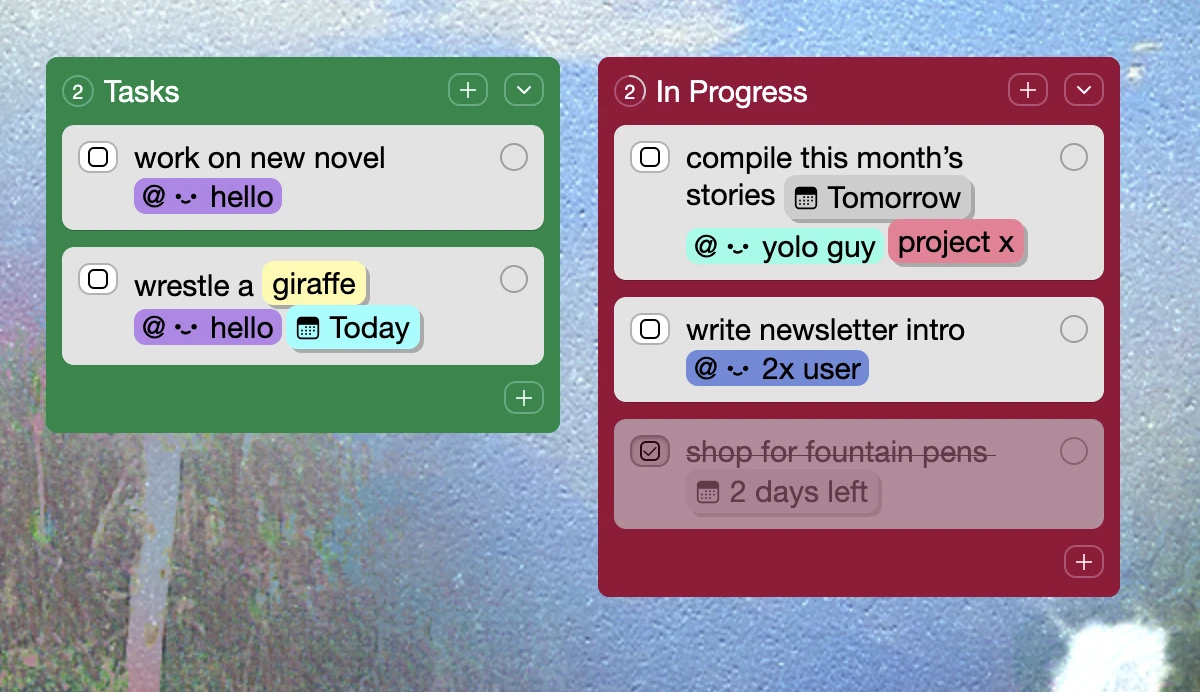
Type @ to add due dates to cards. Reminders will be sent on the day of.
Bring it all together by combining checkboxes, tags, @-user mentions, and due dates, to do full project management.
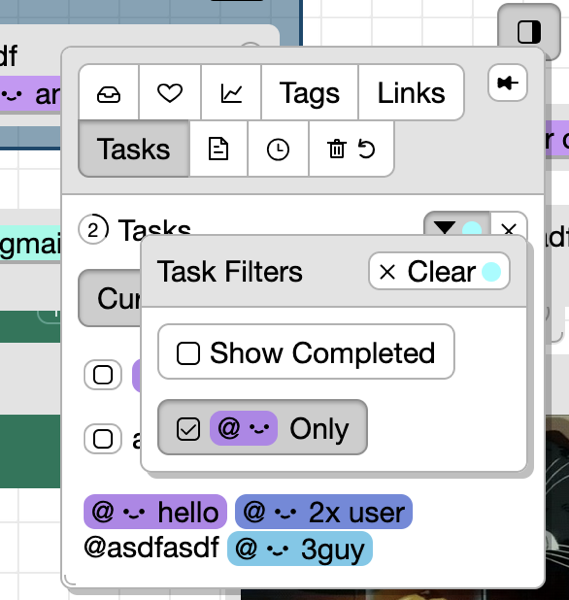
Filter Tasks by @Assigned to Me
In Sidebar → Tasks you can choose to view only tasks assigned to you, in the current space or across all spaces
@User Mentions in Cards
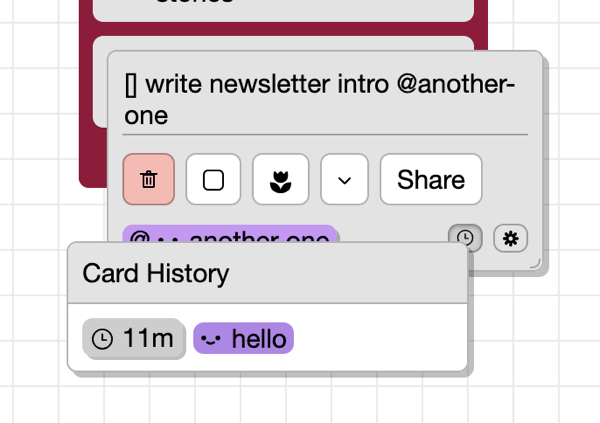
Based on feedback from the Teams Pilot program, you can now assign cards to space collaborators and group members by @mentioning them. @mentioned users will be notified (in-app or email).
Notes
To make room for listing @mentioned users, the card info showing date updatedAt and the user who created/updated the card was moved inside Card History. In the future this will also list historical changes to the card like (Sidebar → Space History)
For API Users
Card.atUserMentions is an array of objects for each of the @mentions. Each mention object contains a stringMatch property like @my-friend that also needs to be present in the card name.
There’s currently no way to add @mentions through the API but this can be provided if there’s demand for it.
Complete Tasks Across All Your Spaces
Work through the [] checkbox cards and boxes scattered across all your spaces. Kinopio’s speed really comes in handy when jumping between todos in different spaces.
You can also mark every task in a space complete at once.
Fixed a bug where share → ‘Copy Public URL’ button wouldn’t be shown to read-only and not-signed-in users viewing someone else’s public space
App API Keys
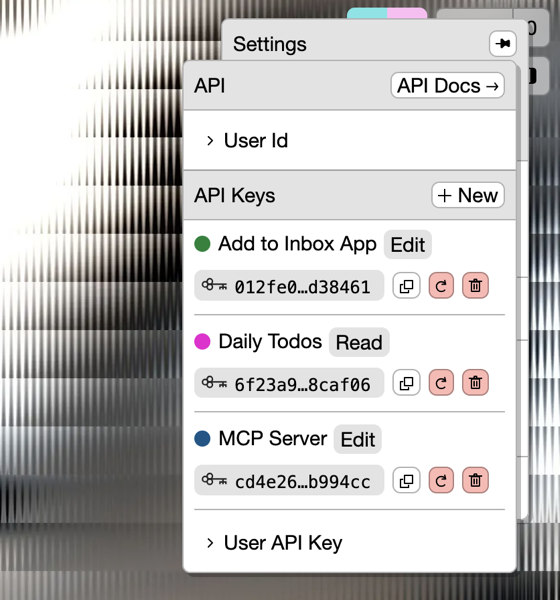
Developers and users of community integrations can create app-specific authorization keys which have permission scopes and can be revoked. This lets you use third-party tools without compromising the safety of your account.
User Settings → General → API
Toolbar Tooltips
Hovering over the buttons in the toolbars explains the feature with a little video and explanation
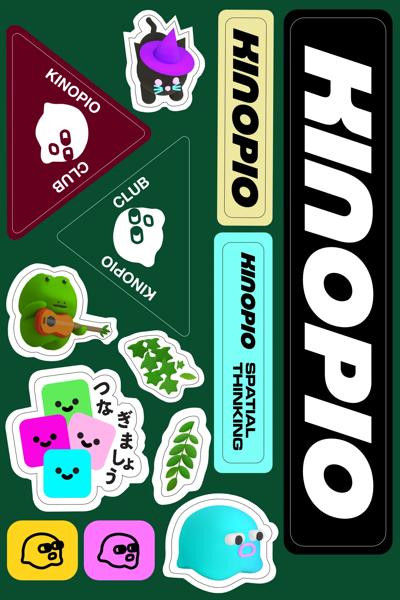
Sticker Printing In Progress
This is the final sticker design I ended up sending for trial printing, if it goes well I can start sharing them IRL
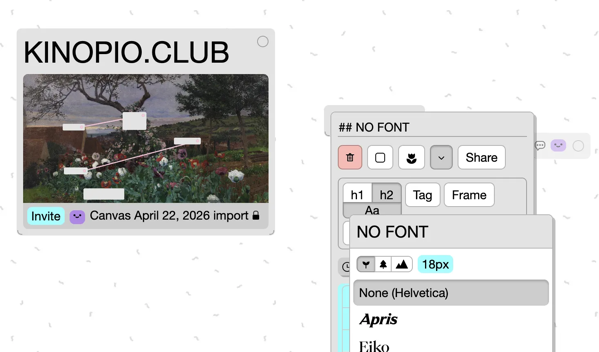
Improved Alt/Opt Drag to Duplicate
Drag duplicating cards includes their connections, boxes duplicate with everything inside, and lists and lines can be now be directly duplicated as well.
Bulletin № 38 – Busytown
Hi friends,
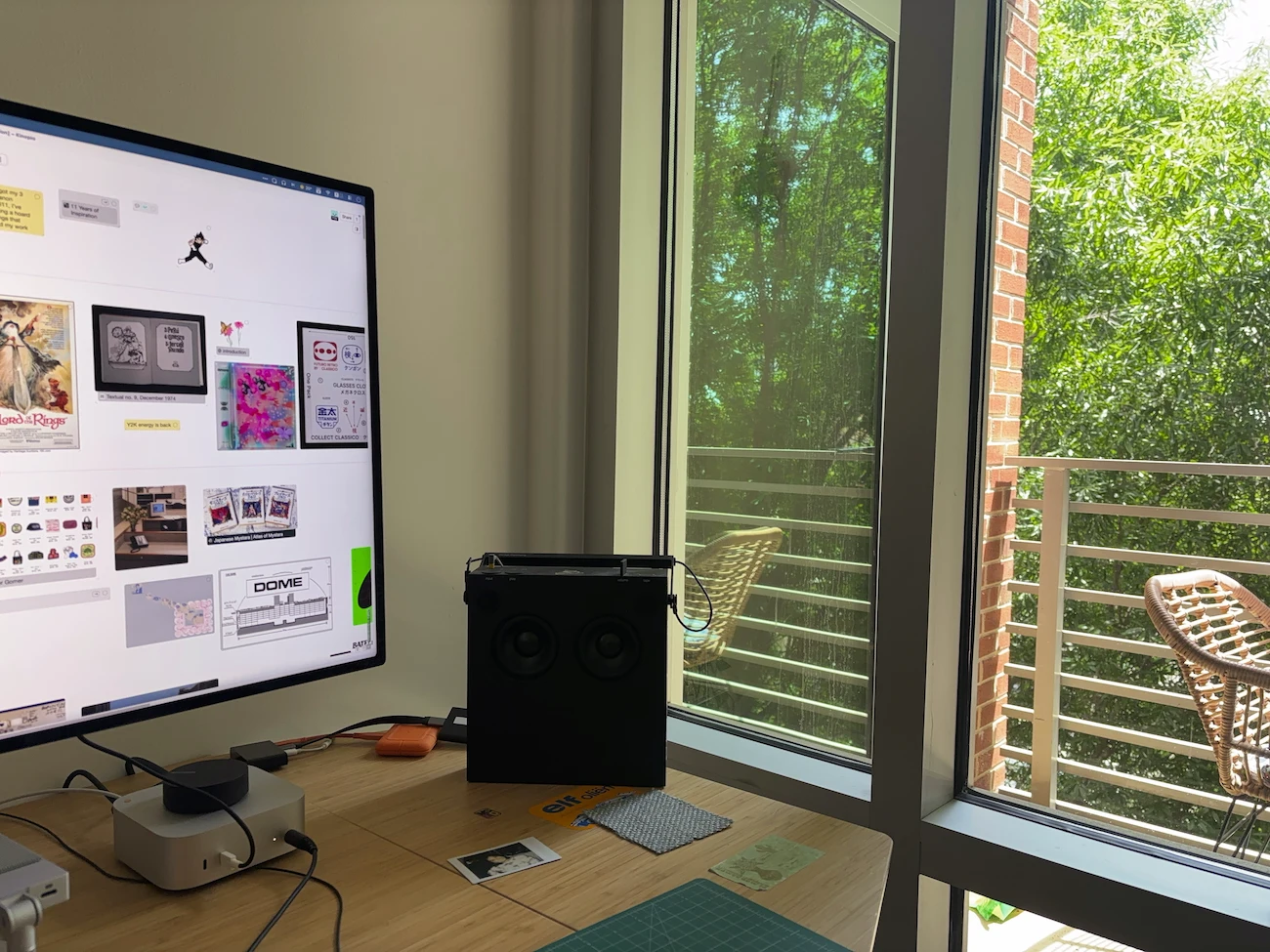
It's not quite summer yet but the trees outside our new apartment make it feel like we're in a treehouse.
You might've seen this already if you're on the discord, but let's start with a 👼 Baby Alert. My wife and I are expecting a baby boy in ~two months. To say we're under-prepared is an understatement. (Fortunately we have a good tool for coordinating tasks and figuring things out).
What's New in Kinopio
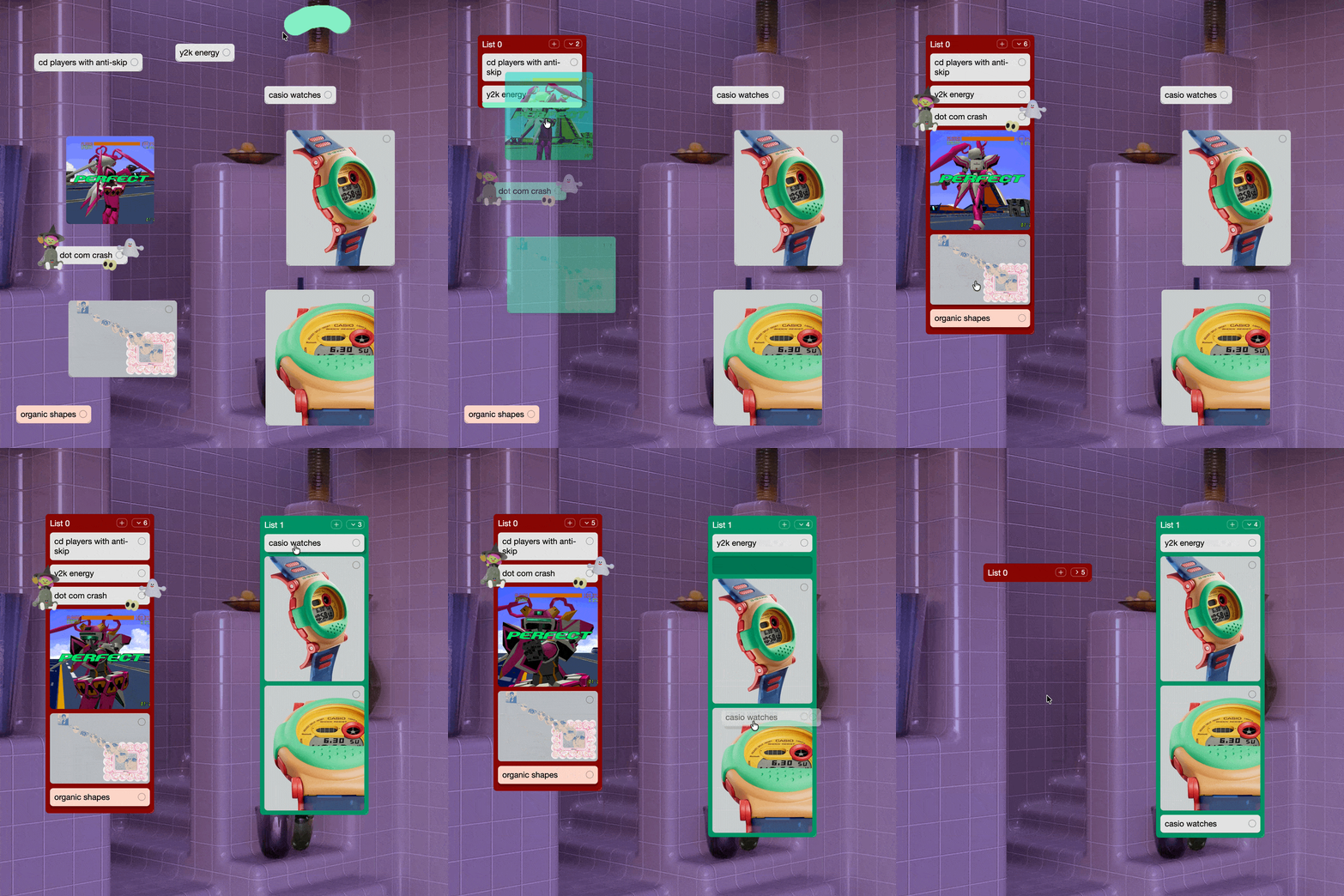
Lists are possibly the biggest update to Kinopio in years. Vertically group and easily reorder cards in Kanban-style lists. This started as a feature request from 2022, but it took this long to figure out how to do it right.
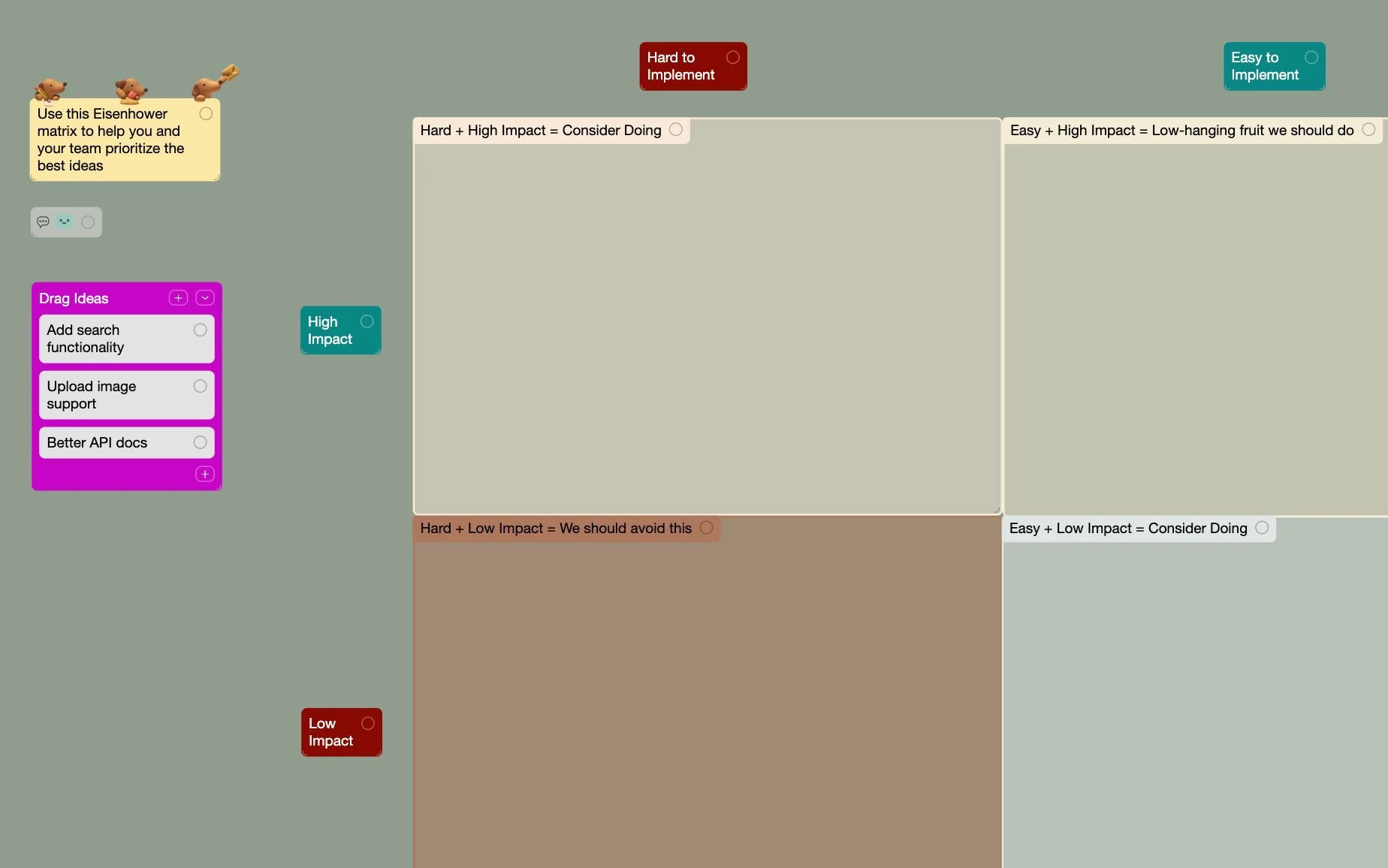
To show off the creative and productive potential of lists, we have all new Templates for life and work. Including hits like Calendar, Project & Issue Tracker, and Personal Dashboard.
In the bottom-right, you can toggle on a Little Minimap to help explore spaces. It's little, beautiful, and fast.
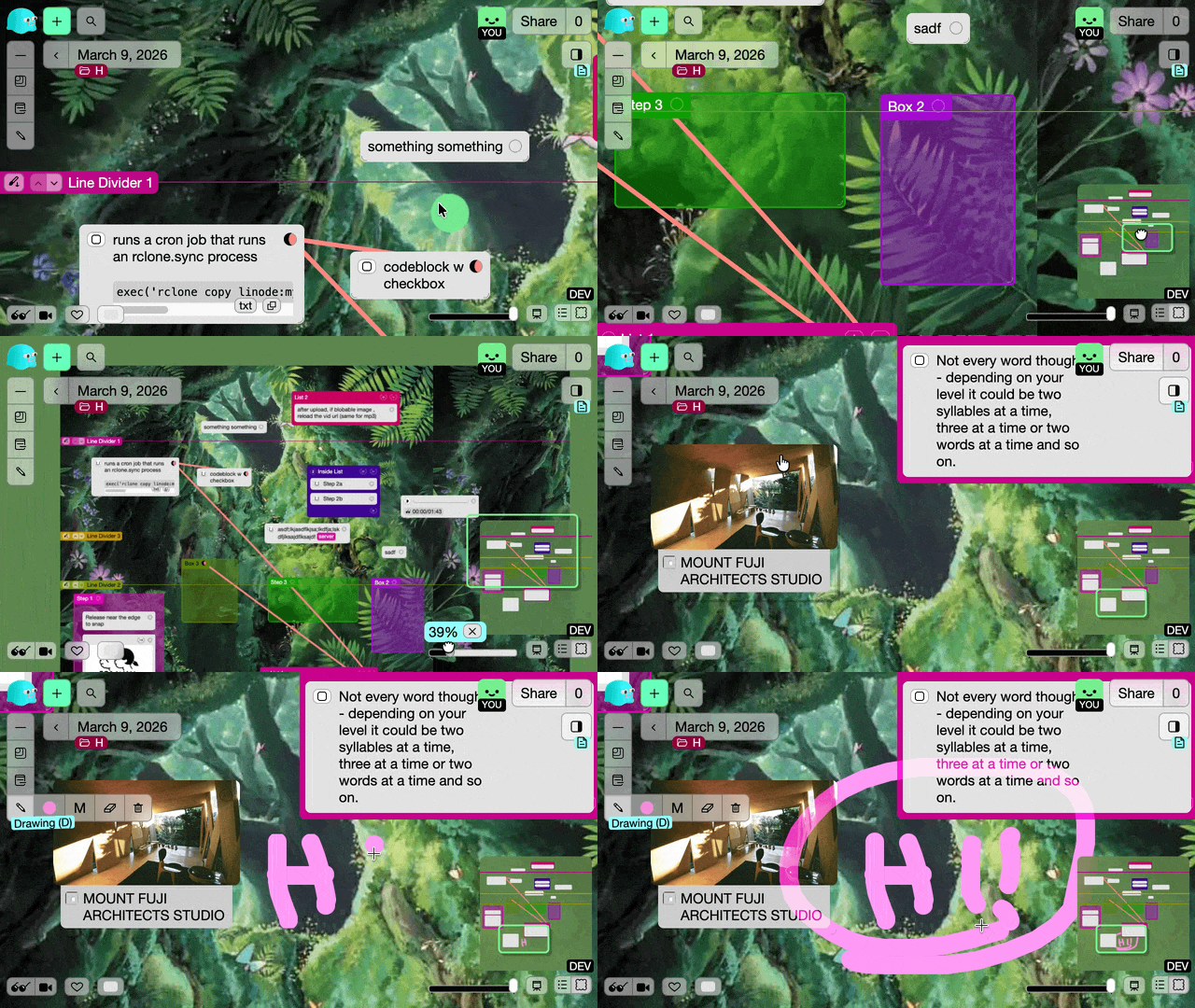
Next to the minimap button, use the TOC to jump between lines, lists, and boxes sorted by Y position.
Hold shift while dragging cards, boxes, or lists to Snap Align them up perfectly with nearby items. When this released, it especially resonated with people who really value having their cards neatly organized. (I'm a bit messier, but I get the appeal!)
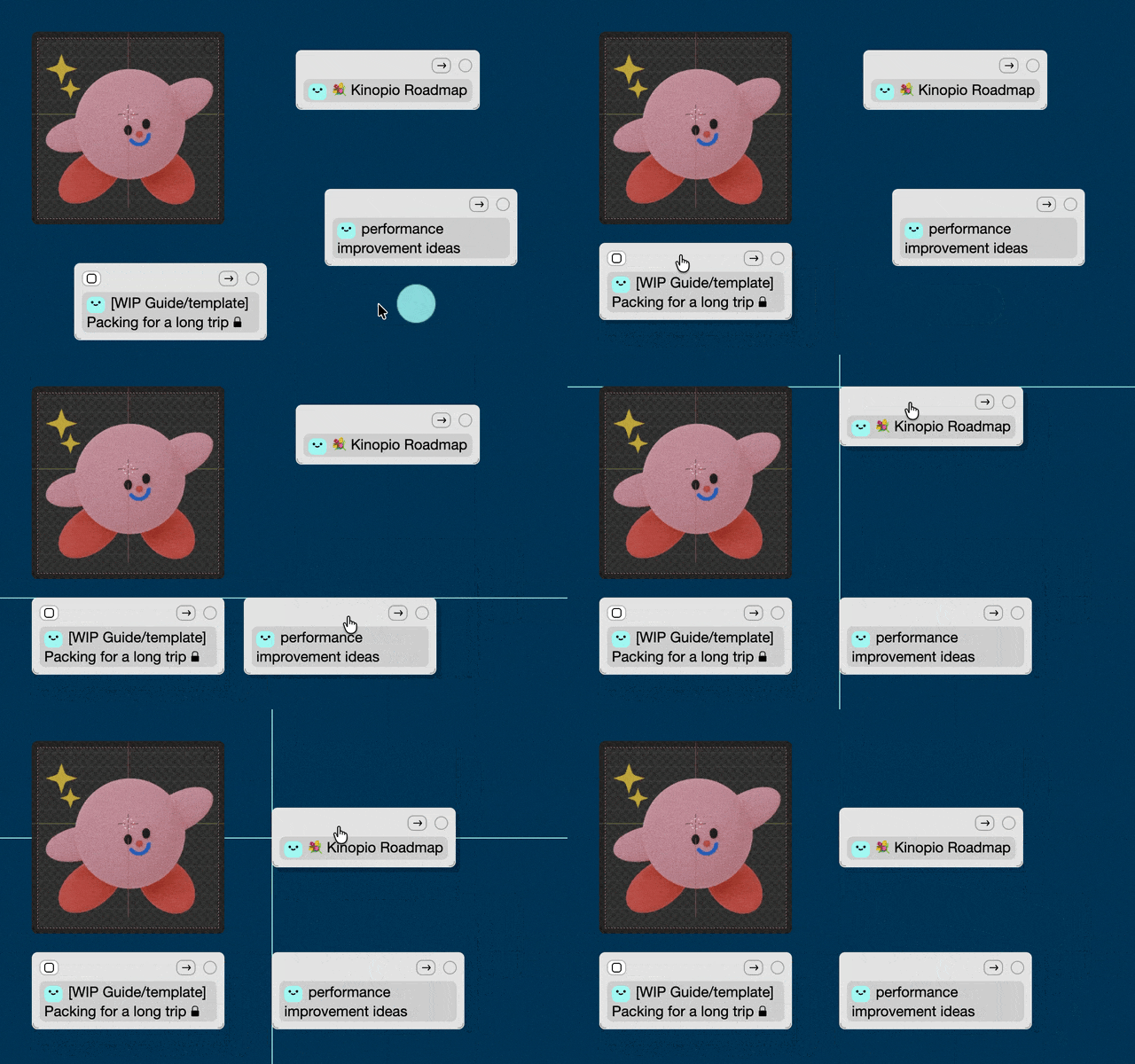
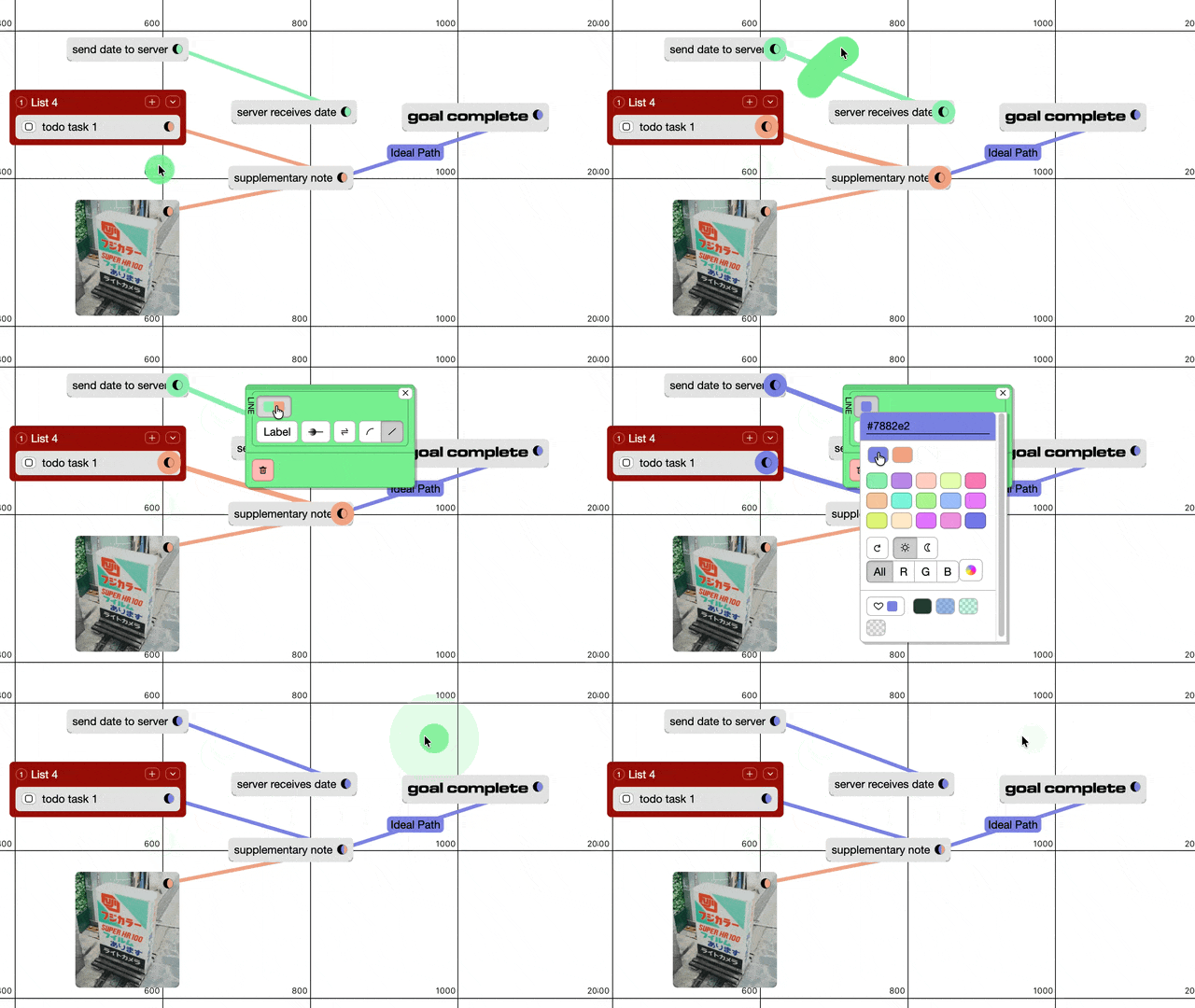
Over the years I've noticed people, including myself, stumbling over how connections worked. If you wanted to change the color of a single line, you first had to assign it a connection type which let you share that color with other lines – unlike how card, list, or box colors can be edited directly. So after a bit of community planning, Connections Were Simplified so you can edit names and colors directly, like the other item types.
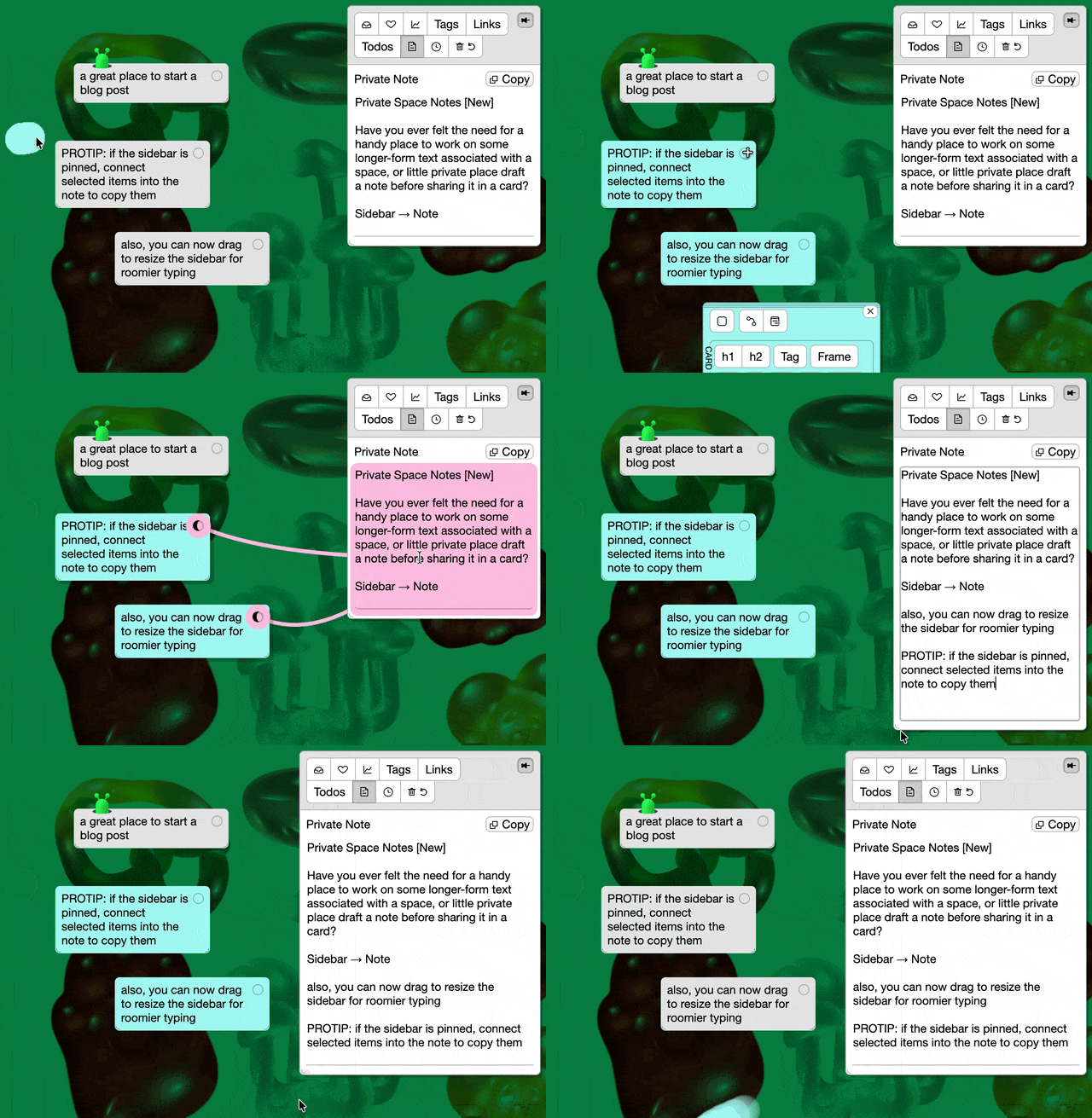
Have you ever felt the need for a handy place to work on some longer-form text associated with a space, or little private place to draft an email or blog post next to your research? For each space you get your own personal Sidebar Note that only you can see. TBH I built this one for me, but I hope you find it handy too.
The Teams Pilot Program was started to learn how teams use Kinopio to have more effective meetings, kickoff projects faster, and build things more effectively together. If you want to use Kinopio for work, I'll onboard your team, upgrade their accounts, and provide priority support. After 2 months or so we'll talk about how it went.
I'm working with a company that you and everyone you know have definitely heard of, and I have room for 1-2 more companies. So if you're interested in joining the program, reply to this email to let me know before spots fill up.
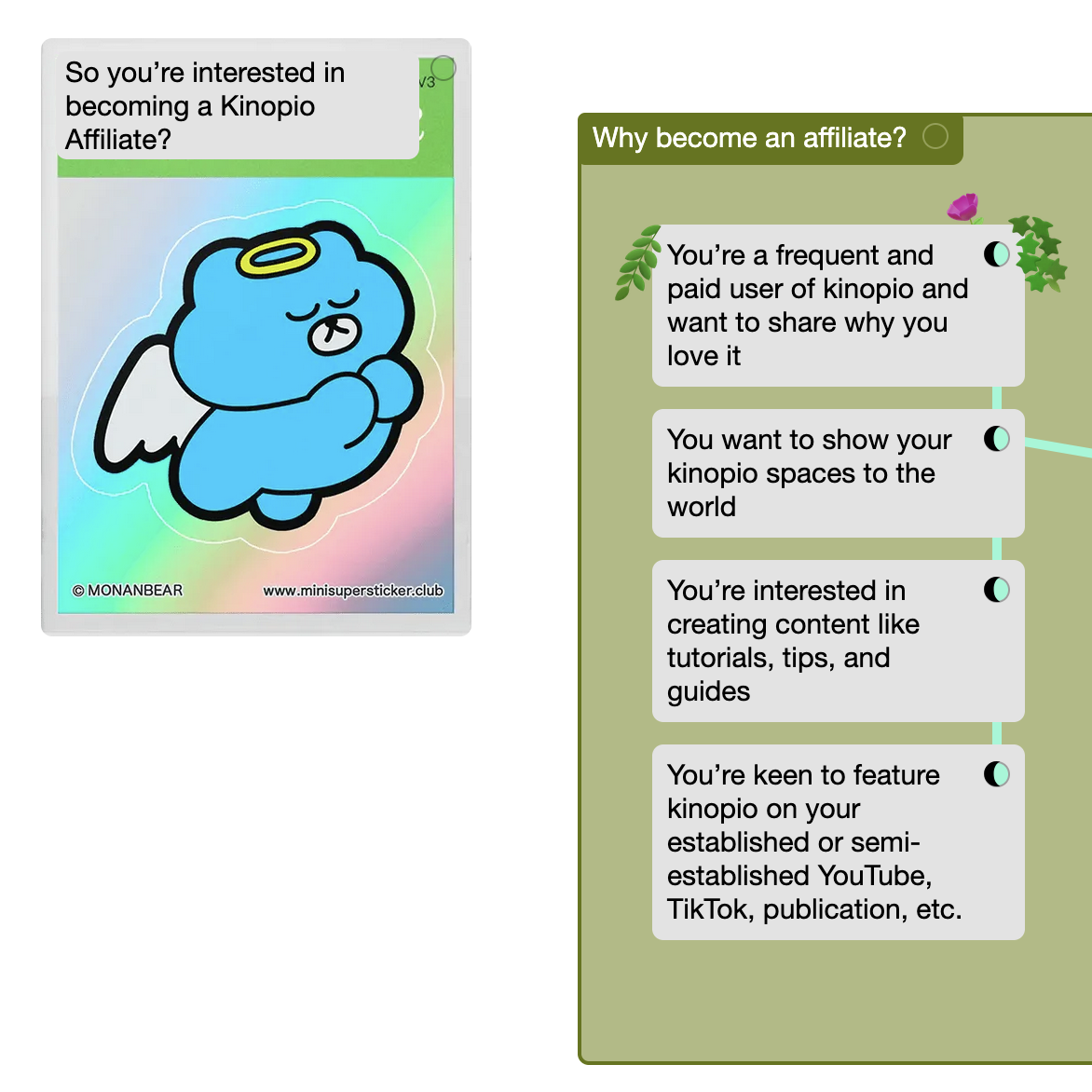
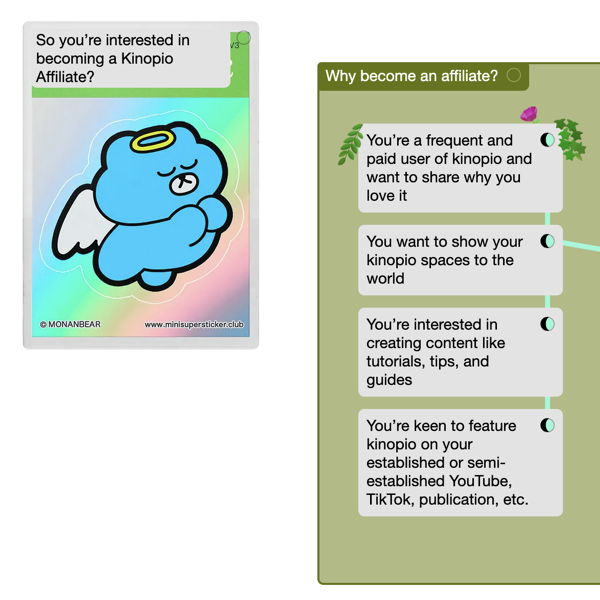
This one is for the storytellers. If you're a fan of kinopio and want to share it with your YouTube, TikTok, or IG audience you should join the new friends of kinopio Affiliate Program. Your viewers get 10% off, and you get paid 20% commissions. More info and apply here.
🙅♀️ And finally, after months of on-and-off R&D, I decided not to ship Dynamic Connection Lines. The idea with this was that as you dragged items, the connections between them would adjust their start and end positions to the nearest angle. This helped make lines easier to follow and allowed for more flow-chart-y diagram structures.
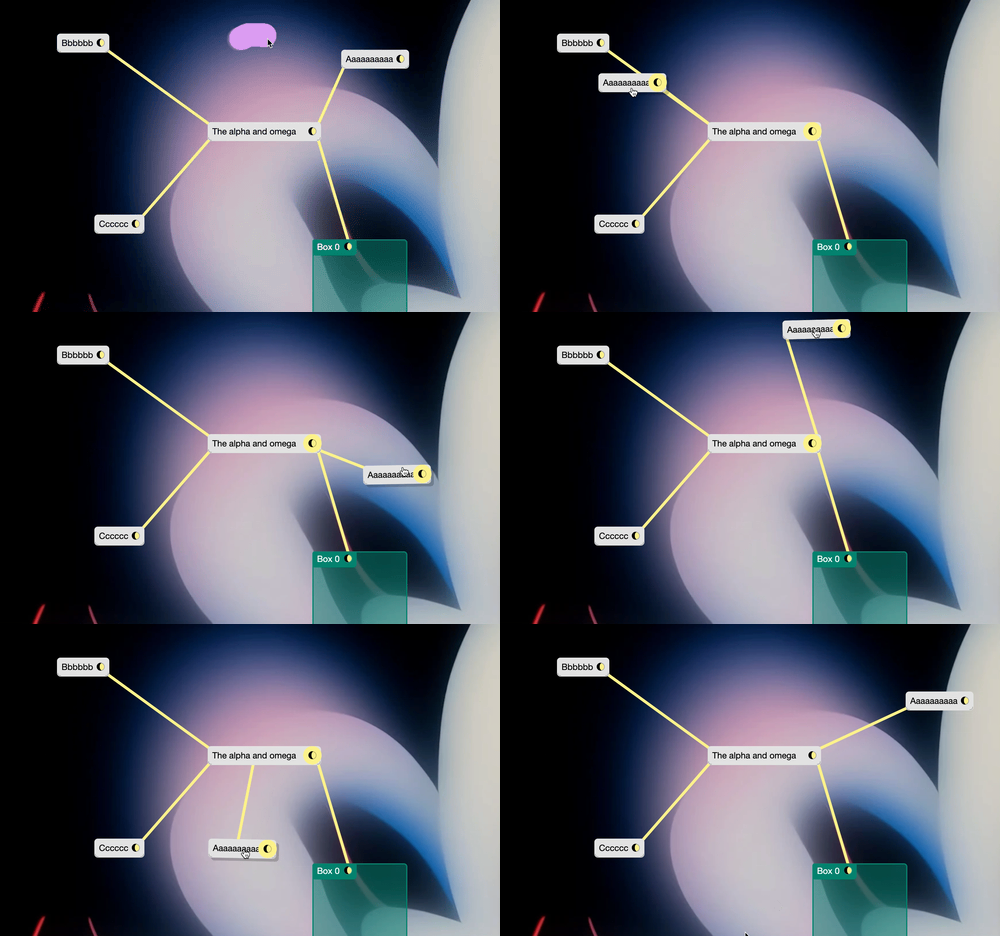
But while it demoed really nicely, I ended up shelving this for two reasons:
- The recent change to simplify connection types was shocking to enough people that I wanted to wait for the waves to settle.
- I just couldn't make the lines feel perfect in every condition. There was always some scenario where the connections would be technically correct, but look 'off'. I think auto-magically adapting lines is fundamentally the wrong approach.
On the bright side, snap align was spun off from this work and has proven to be a big hit.
See you on the road.
(*・_・)ノ⌒*
Affiliate Program
If you’re a fan of kinopio and want to share it with your YouTube, TikTok, or IG audience you should join the friends of kinopio affiliate program. Your viewers get 10% off, and you get paid 20% commissions. Details and apply here.
Persistent Minimap
Toggle on a little minimap to help explore spaces. It’s little, beautiful, and fast.
(Sensory Release 2/4~ this week)